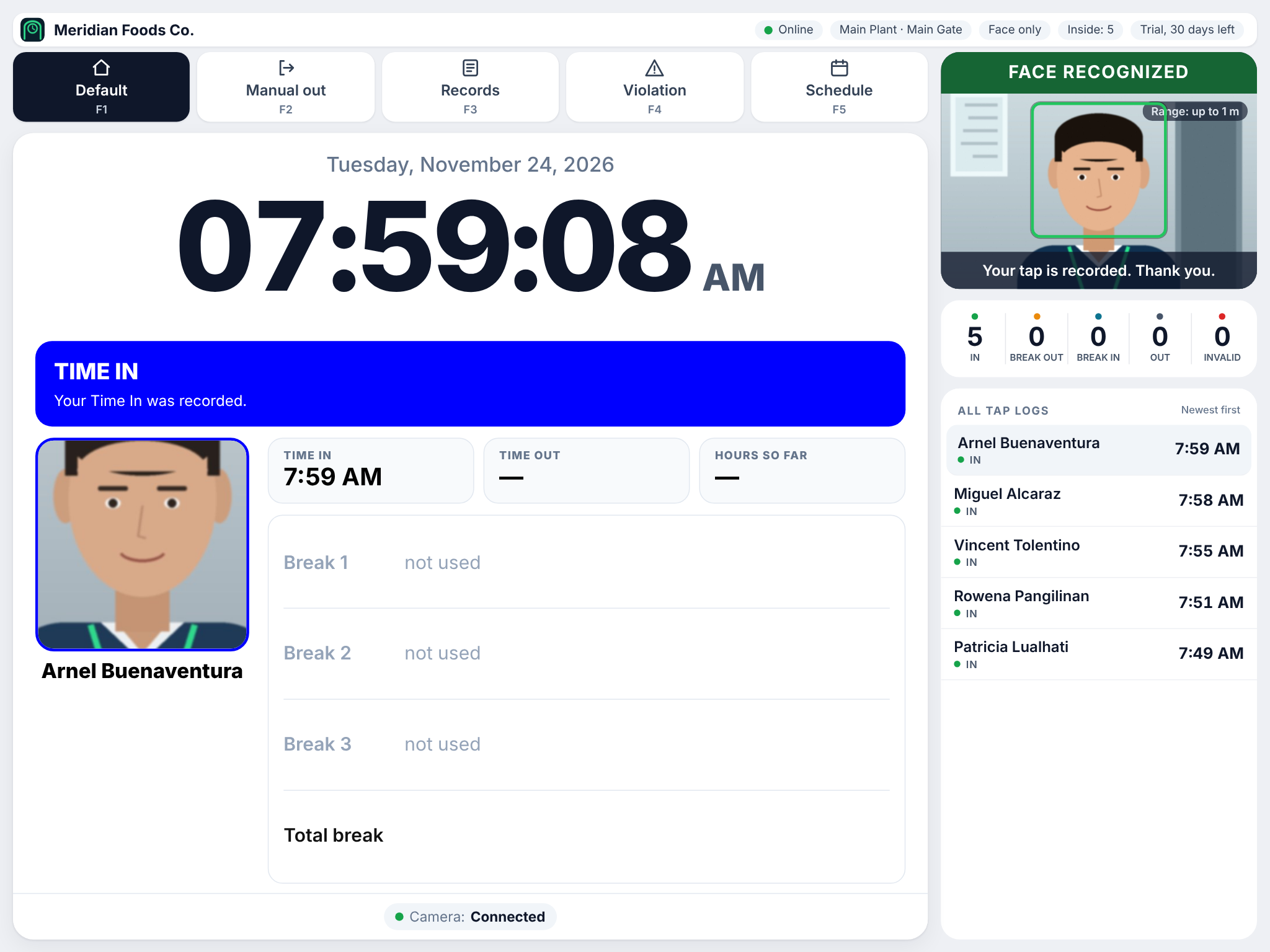
A gate terminal that fits how strict you need to be
Choose face only for zero-contact speed, tap plus face for an extra layer of certainty, or a simple tap - the mode is set per gate, with no new hardware to buy.
- Checks for a live face so a photo does not work
- Put a terminal at every entrance, with no per-terminal limit
- Clear pop-up confirmation, with the name and the time
- Keeps working when the internet is down
Field duty from the phone Add-on
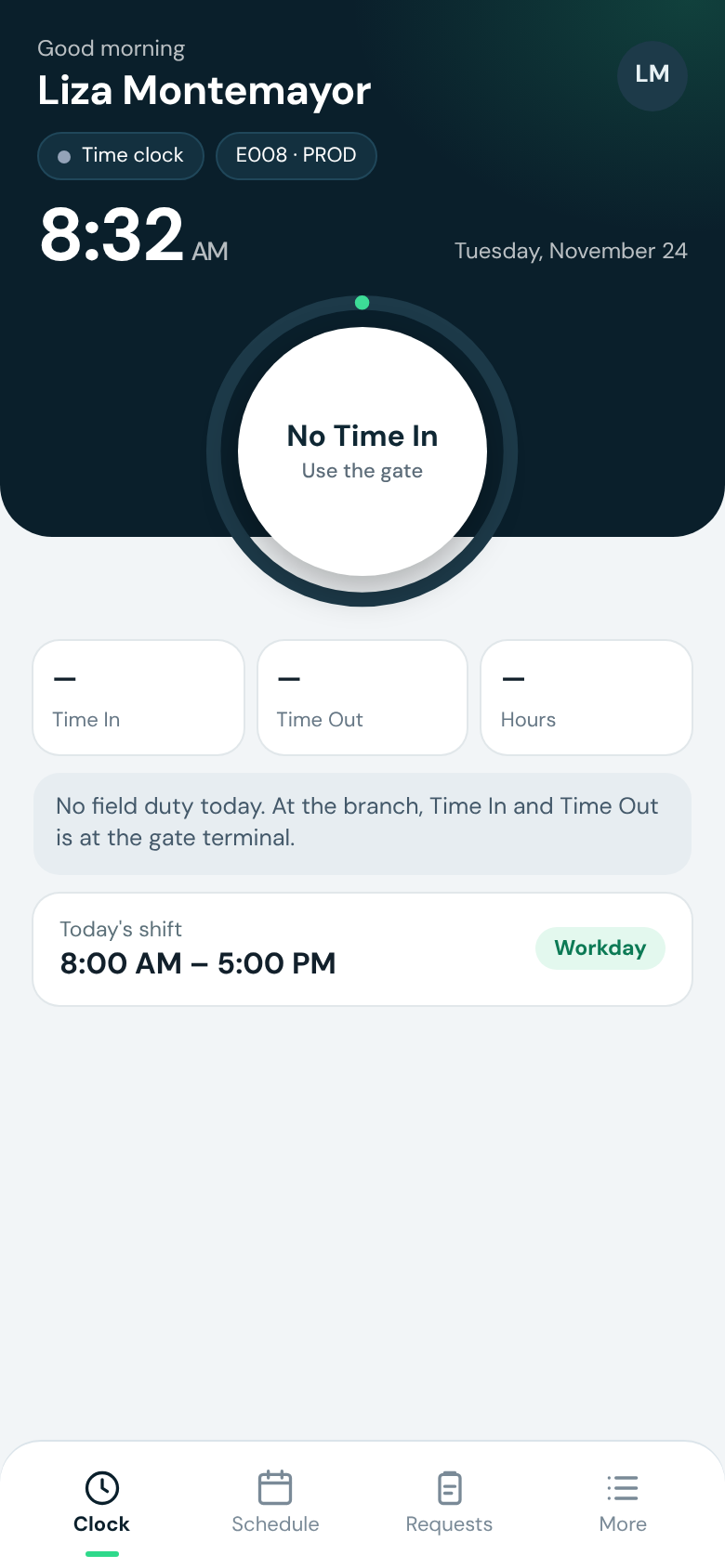
For people who work away from the main site. HR assigns the place and the day, and the employee times in from the phone.
- Button works only inside the assigned area
- Guides the person to turn on location (iPhone and Android)
- Overtime, leave and schedule requests from the phone
- Approval status and history in the same app
- Opens at your own address, like yourcompany-mobile.clockgate.net
Your own address for the phone app Add-on
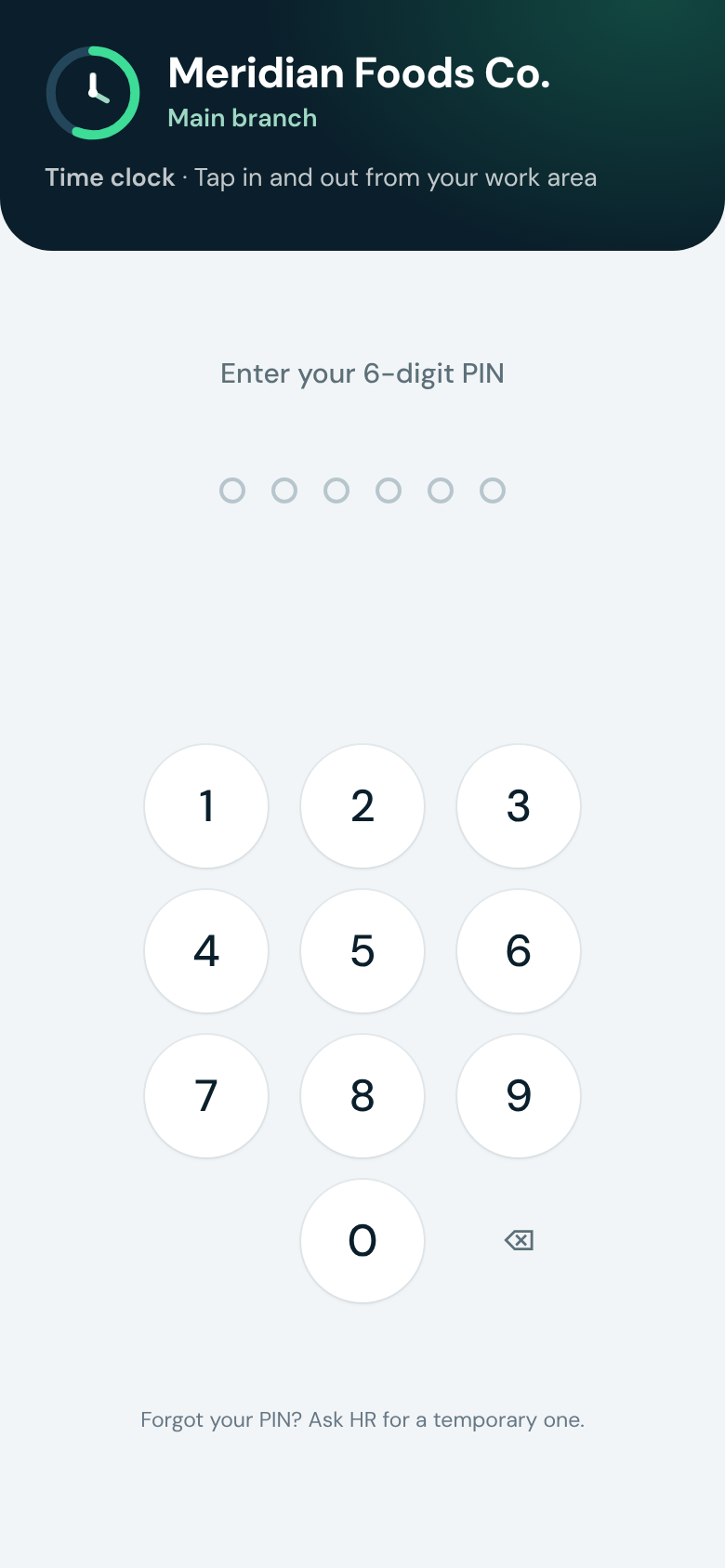
With the phone app add-on, your employees open the time clock at an address with your company's name in it, like meridian-mobile.clockgate.net. They know it is yours the moment it opens.
- Your company name, logo and branch on the login screen
- Nothing to download from an app store. Add it to the home screen like an app
- Only your employees get in: their own PIN, and a face check on a new phone
- Works on iPhone and Android
Records and schedules right at the gate
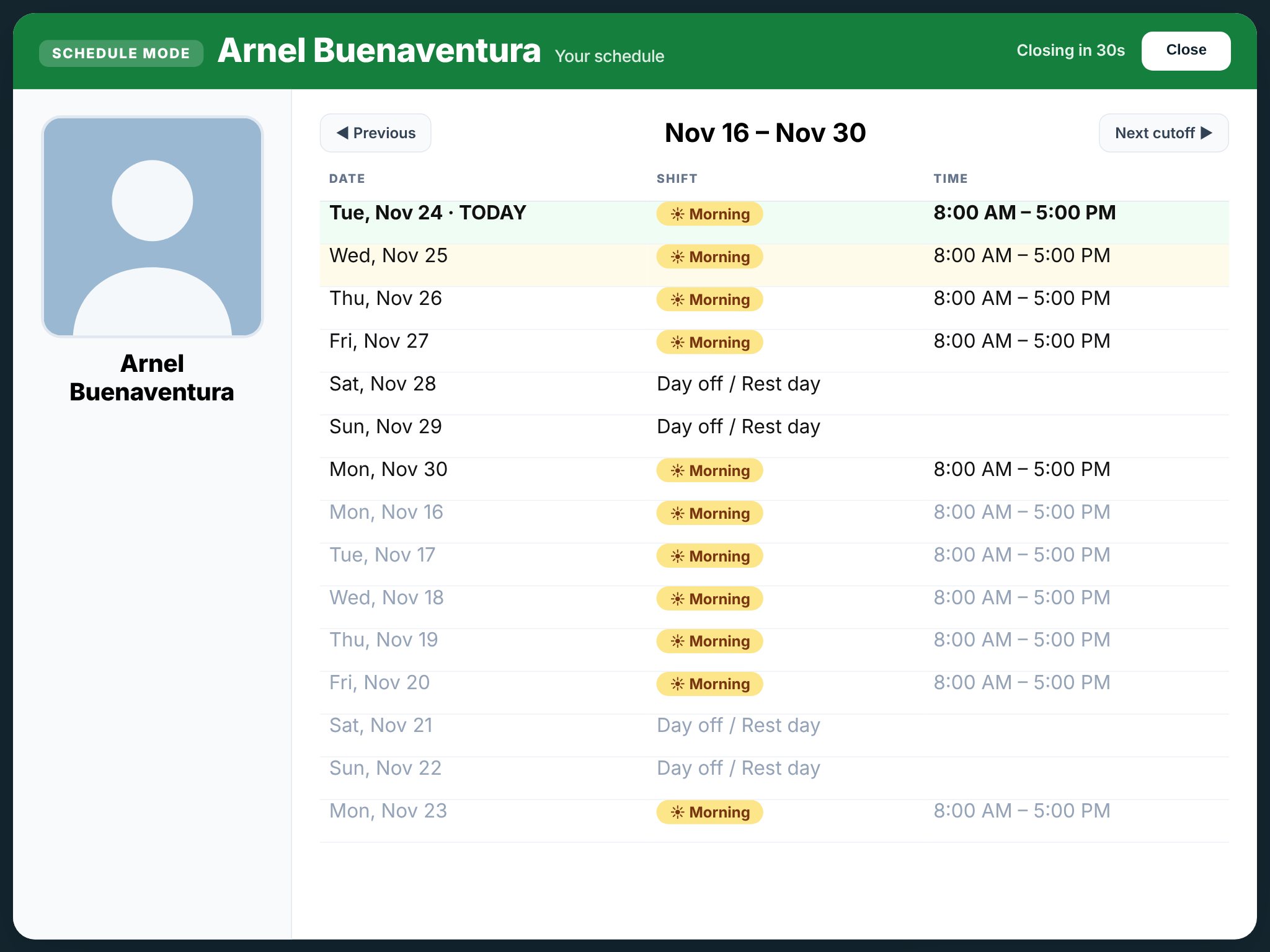
Employees check their own records, next shifts and the day's violations on the gate screen. It fills the whole screen, so it is easy to read from a step away.
- Records: time in, time out, hours, late and missing taps
- Schedule: this cut-off and the next, with rest days
- Violations: late, over-break and missing taps for everyone
- Only shows. Nothing is recorded
The admin console
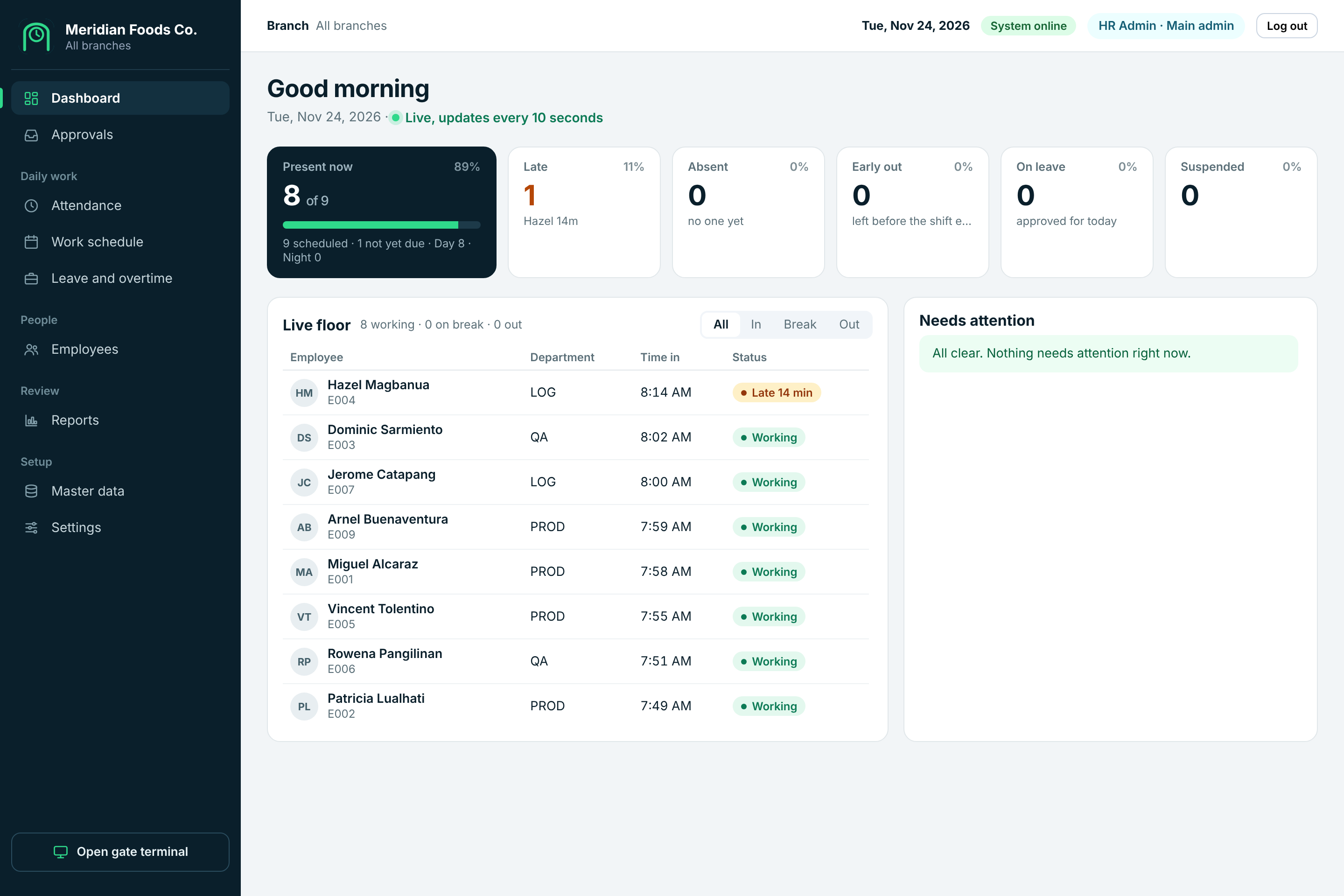
HR and owners see the day as it happens, then close the payroll period without spreadsheets.
- Live dashboard with who is in, late or absent
- Break rules, with over-breaks flagged for HR
- Lateness and absence patterns tracked for every evaluation
- Leave credits and approvals with a full audit trail
- Reports ready to export for payroll cut-off
Scheduling and approvals that keep up with you
Rotating crews, split shifts, several shift types running at once - built for a factory floor, not a boutique office. Every request still waits for the right person to sign off.
- Multiple shift types and rotations, not just a 9-to-5 toggle
- Leave, overtime and correction requests filed from the phone
- Nothing posts to payroll without an approval and a trail
Built to resist abuse
Attendance data is payroll data. The system protects it as such.
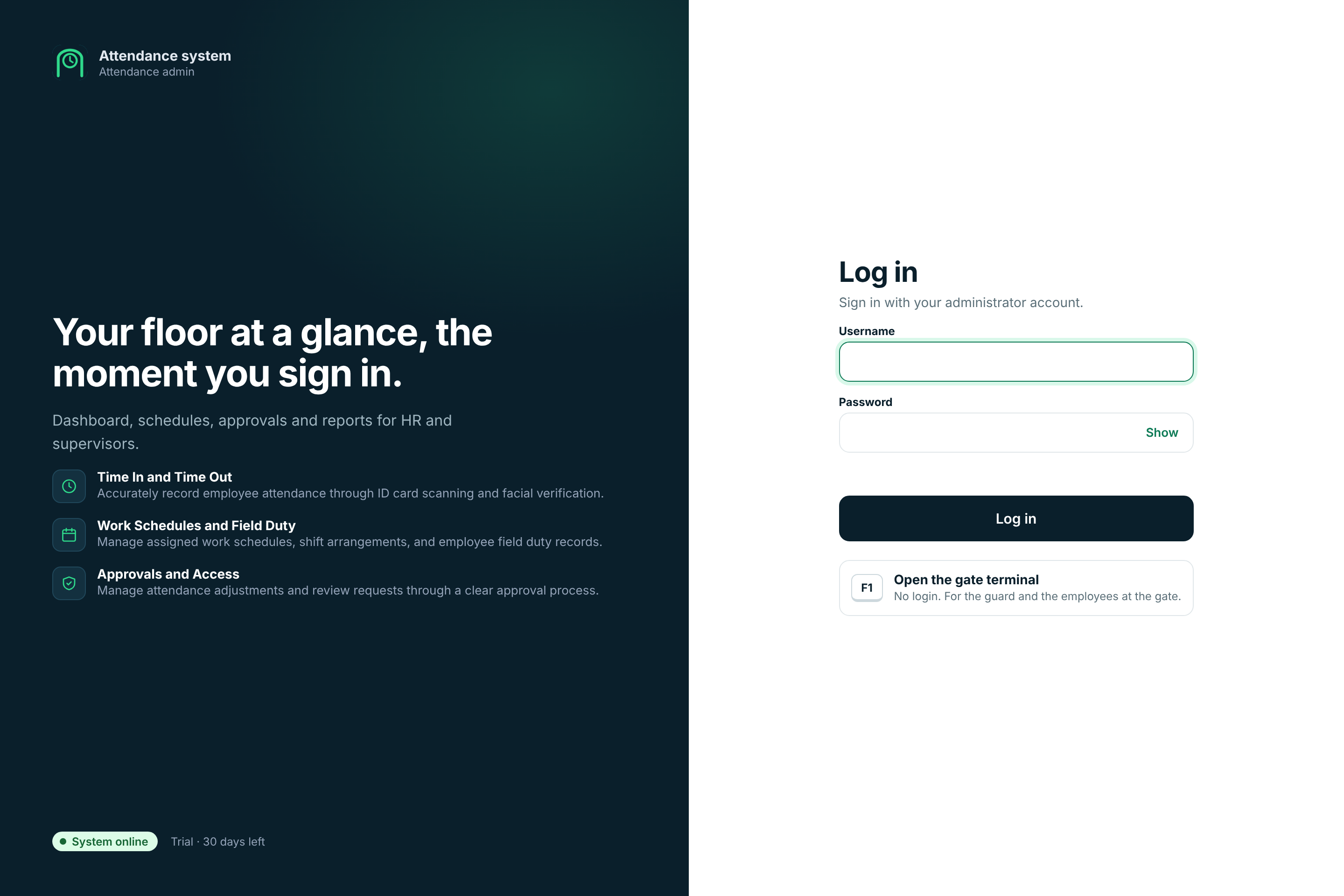
- Five wrong tries block the device, and the admin can unblock it
- Attacks are logged and counted for the owner
- Corrections and voids need an approval and leave a record
- Licensed and bound to your own server
Runs on your own network
Admin and the gate terminal need no internet at all - only the phone app, for people working off-site, needs a connection.